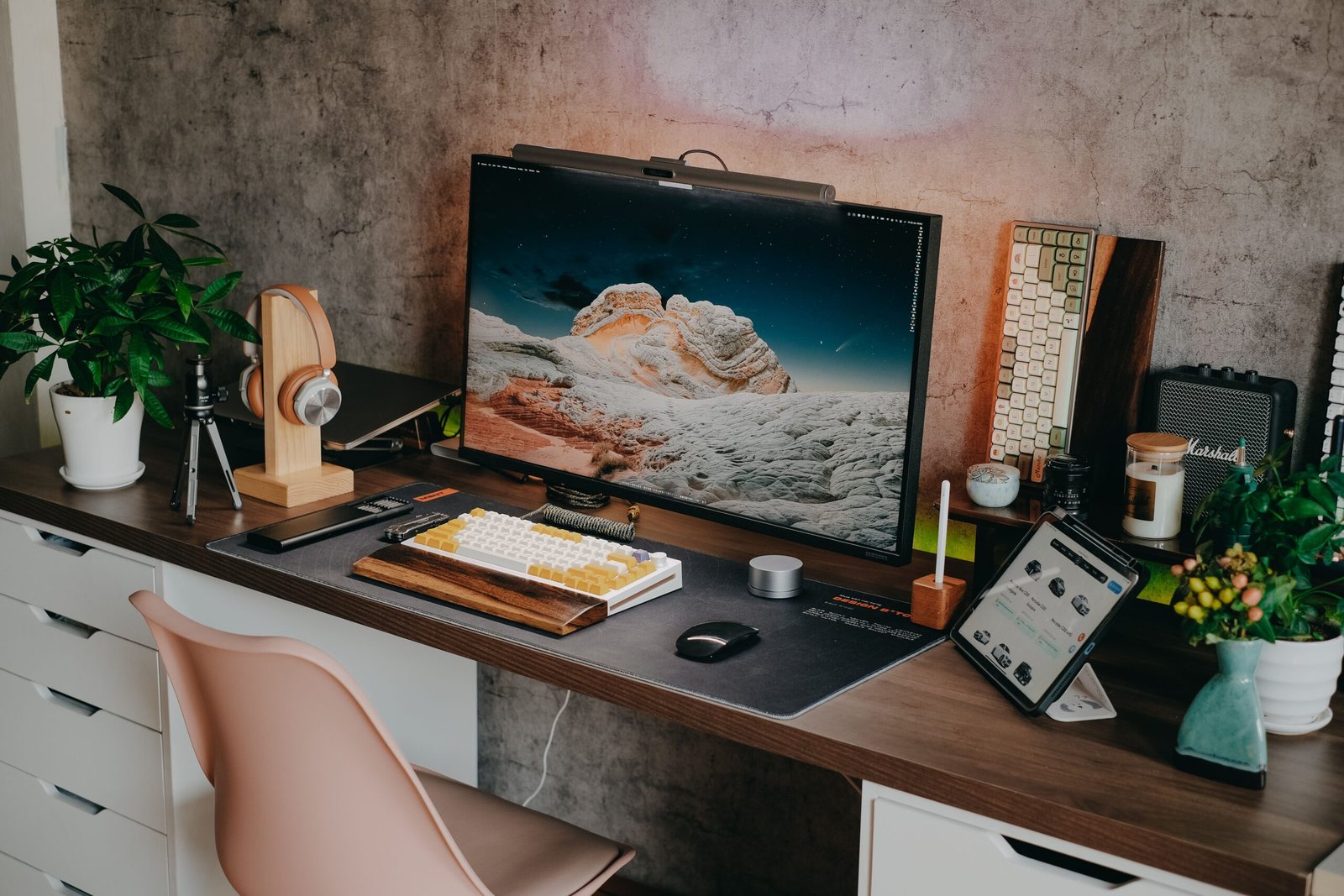
Count the hours. On an ordinary workday, once you subtract the commute that no longer exists for a lot of people and the meetings that pull your eyes to someone else's screen-share, most knowledge workers spend somewhere between six and nine hours a day looking at one rectangle, roughly two feet from their face. Do that five days a week for a year and you've logged more time in front of that rectangle than you've spent in your car, your kitchen, or possibly your own bed.
And yet, for a strange number of people, that rectangle was chosen the way you'd choose a phone charger: whatever was in stock, whatever was cheapest, whatever came bundled with the desktop tower back in 2019. The chair got the ergonomic research. The desk got the standing-motor upgrade. The monitor — the actual interface between your brain and eight hours of paid attention — got whatever was left over in the budget.
That's starting to change, and the reason why says something bigger about how people think about work now.
The Home Office Stopped Being an Experiment
For the first couple of years of remote work's mainstream existence, almost nobody furnished a home office like they meant it. You don't invest in a good mattress for a hotel room. Desks were card tables, monitors were laptops propped on books, and the entire vibe was: this is temporary, don't spend real money.
It wasn't temporary. Hybrid and remote arrangements have settled in as a permanent feature of how a large share of the workforce operates, not a pandemic hangover that was always going to fade. Analysts at Future Market Insights currently value the global work-from-home equipment market at close to $25 billion in 2026, and project it to grow past $41 billion by 2036 — not on the back of another emergency shift to remote work, but through ordinary replacement cycles, as people upgrade gear that's simply worn out or was never right to begin with. That's the signature of a mature category, not a fad: people aren't buying home-office equipment because they suddenly have to. They're buying it because they've decided, finally, to treat their desk like permanent infrastructure instead of a temporary inconvenience.
The chair got there first — ergonomic seating has had its cultural moment for a decade now, complete with a whole mythology around which mesh-backed status symbol sits behind which video call. The monitor is having its moment more quietly, and for a more interesting reason: the resolution arms race that used to define the category is basically over. 4K stopped being the premium tier around the same time everyone's video calls did too. It's the floor now, not the ceiling — which means the real decisions buyers are making in 2026 aren't about pixel count at all. They're about which trade-offs they're willing to live with: cables, color, ergonomics, and increasingly, how big is too big.
Four displays turned up when we went looking at what's actually selling in the "4K monitor" search results right now, and between them, they map out almost every one of those trade-offs.
Dell 27 Plus 4K USB-C (S2725QC)
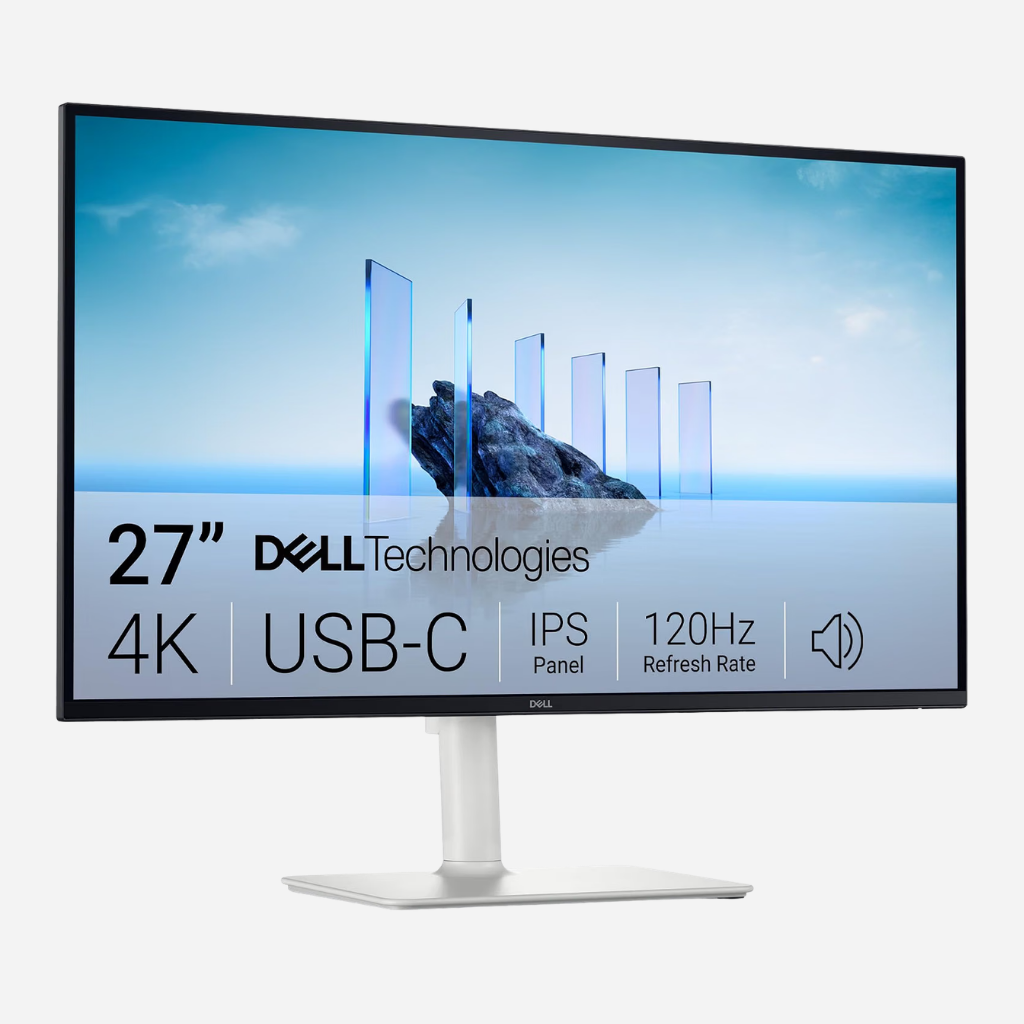
Start with the least glamorous, most quietly important spec on any modern monitor: how many cables it takes to run it. Dell's 27 Plus 4K USB-C Monitor (model S2725QC) answers that question about as cleanly as a 27-inch panel can. Plug in a single USB-C cable, and it carries video, data, and up to 65 watts of power to a connected laptop — enough to charge most ultrabooks and thin-and-lights while they drive a genuinely sharp 3840 x 2160 IPS display at 163 pixels per inch.
What's more interesting is what Dell did with the rest of the budget. This is a 4K monitor with a 120Hz refresh rate and AMD FreeSync Premium — specs you'd historically expect on a gaming panel, not a productivity display. Smoother scrolling, better video playback, and light gaming all benefit from the higher refresh rate. Dell backs it with ComfortView Plus (TÜV Rheinland 4-star eye comfort certification) and 99% sRGB coverage.
Be clear-eyed about the marketing, though. Dell describes the panel as "HDR-ready," but there's no VESA DisplayHDR certification behind that claim. And 65 watts of USB-C power delivery is comfortable for most laptops but will run at a deficit under a 16-inch MacBook Pro pushed to its limits.
Check Price on AmazonLG 27UP850K-W UltraFine
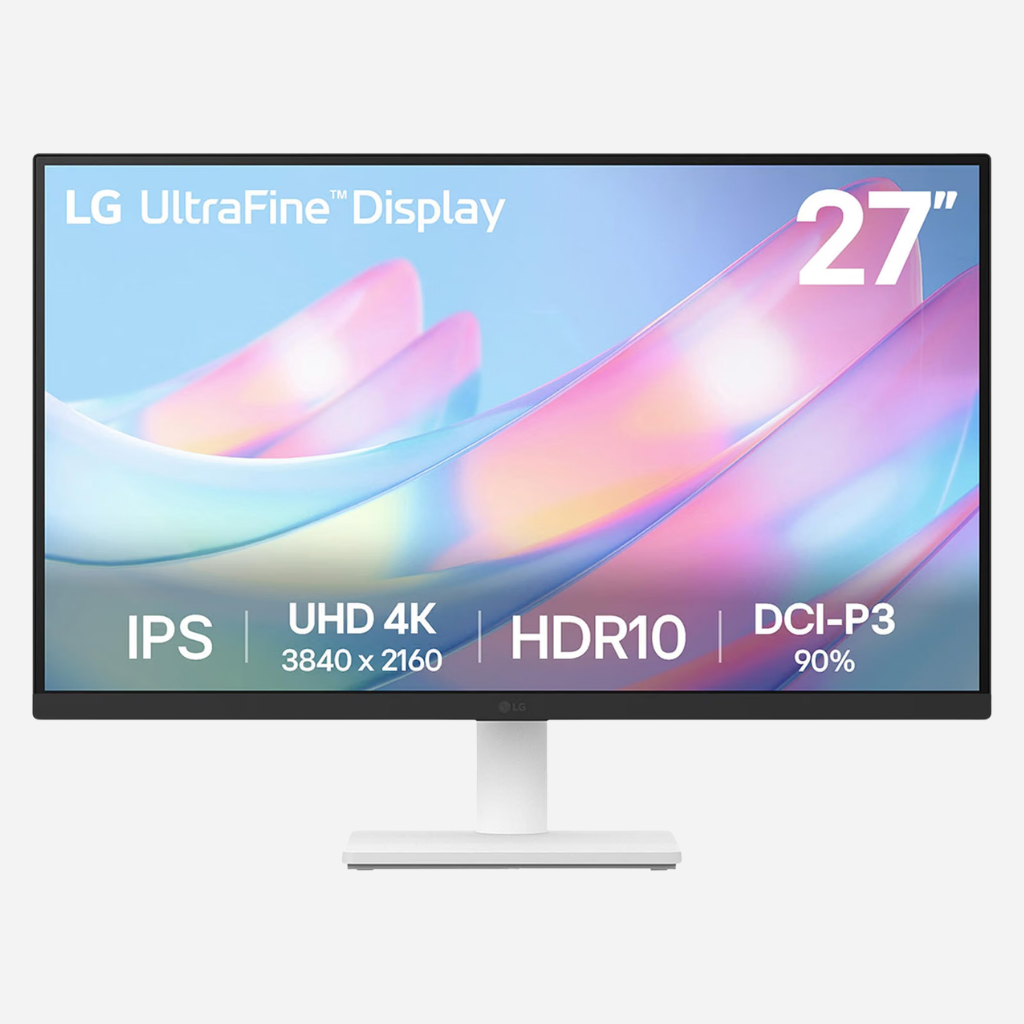
Color used to be a professional's problem. That's no longer true. A marketing coordinator building a slide deck, a freelancer editing product photos, or a manager reviewing brand assets all make color judgments a cheap panel can get wrong.
LG's 27UP850K-W UltraFine covers up to 95% of the DCI-P3 color gamut, carries VESA DisplayHDR 400 certification, and supports hardware calibration through LG's Calibration Studio software — tooling reserved for four-figure reference monitors a decade ago. LG pairs that with a fully ergonomic stand (height, tilt, and portrait pivot) and a robust 90-watt USB-C power delivery connection.
The trade-offs are refresh rate (60Hz) and HDR ceiling (DisplayHDR 400 is entry-level). Don't buy this expecting home-theater HDR; buy it because 95% DCI-P3 will make your actual work look the way you intended it to on the first try.
Check Price on AmazonLG 27US500-W
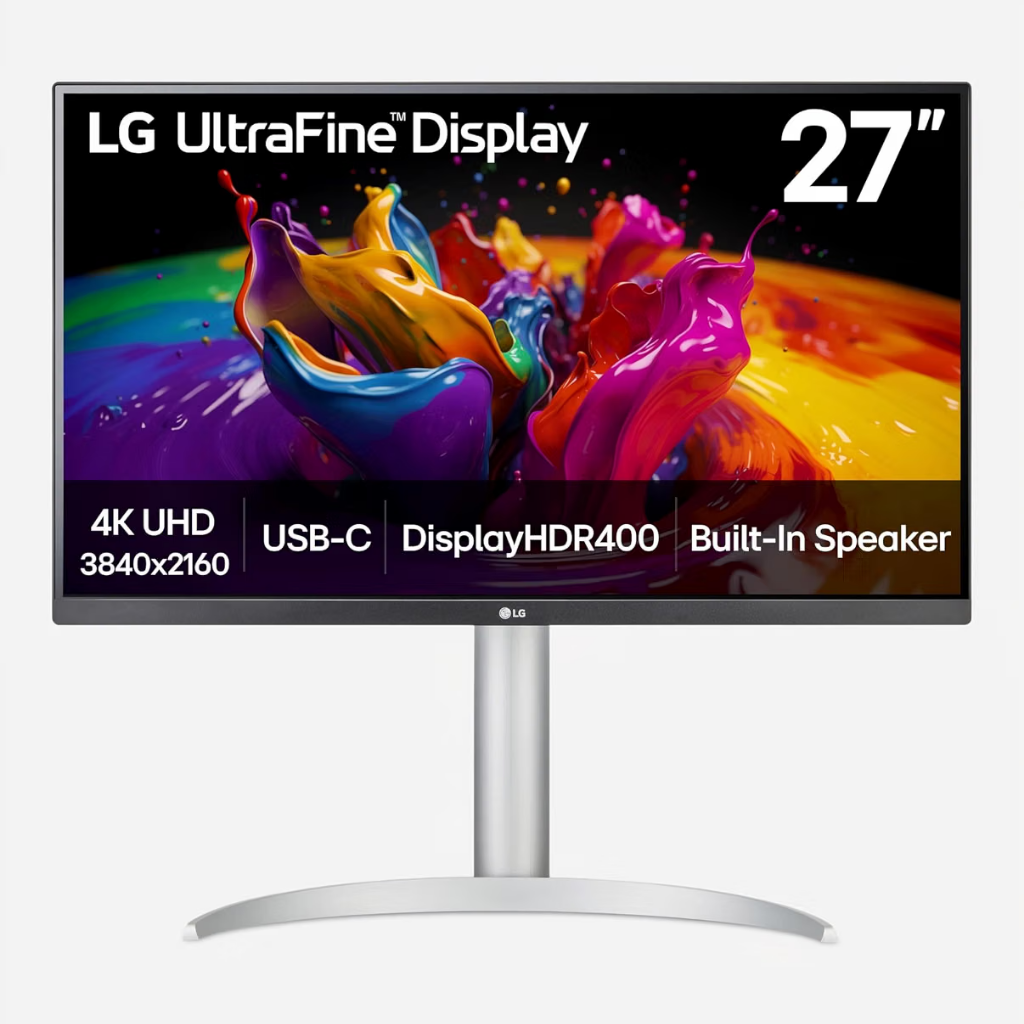
LG's 27US500-W is what's left when a company strips a 4K monitor down to essentially just the resolution and asks how low the price can go without the panel itself suffering.
The core experience is solid: a 27-inch IPS panel at full 3840 x 2160 resolution, HDR10 support, 90% DCI-P3 coverage, and a clean three-side borderless design. What's missing is the workstation clutter — no USB-C, no height adjustment, just simple HDMI/DisplayPort inputs and a tilt stand.
For a second display in a dual-monitor setup, or for someone furnishing an entire office from scratch who needs to prioritize the chair and desk first, this gets 4K sharpness onto your desk without fluff.
Check Price on AmazonSamsung 43-inch U8000H Crystal UHD
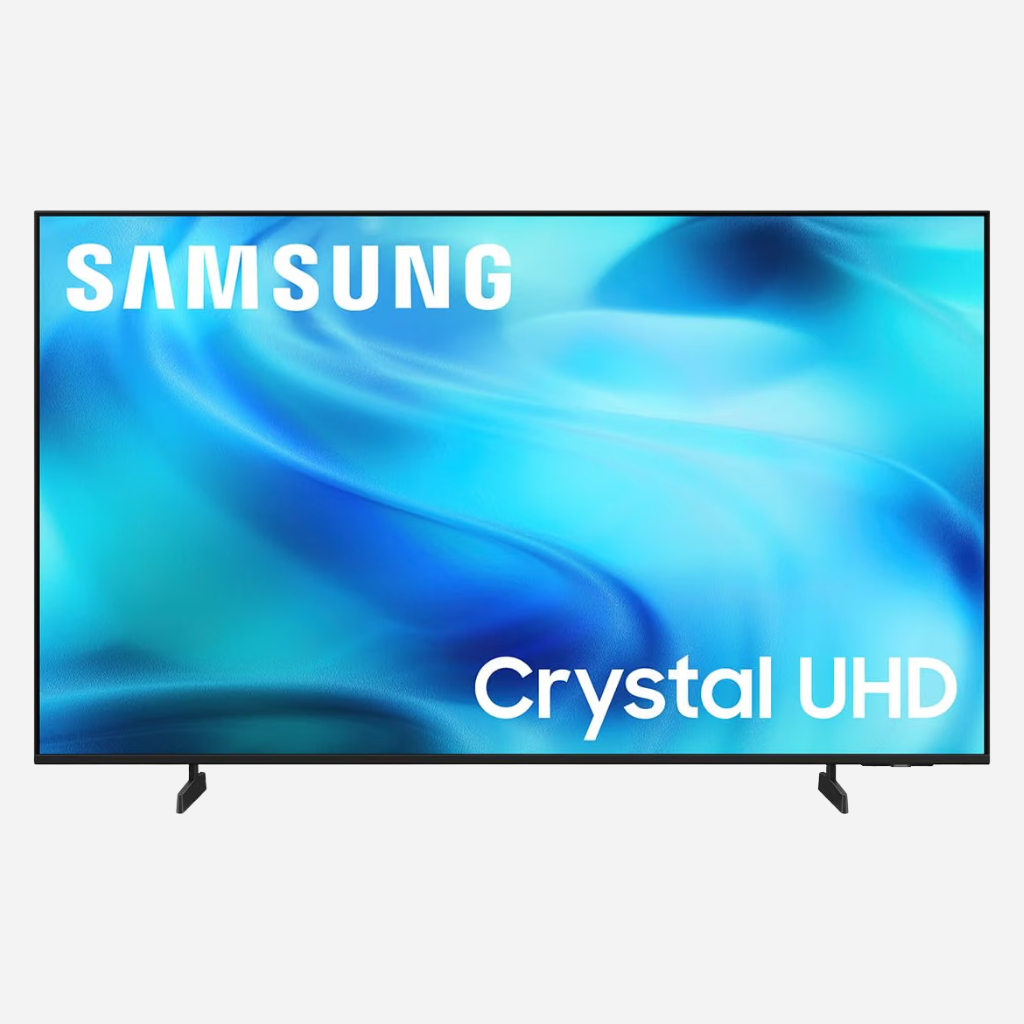
Search "4K monitor" on Amazon right now, and mixed in among dedicated displays, you'll find a 43-inch Samsung Crystal UHD television. That's not a glitch — it's a preview of where the category is headed.
Samsung's 43-inch U8000H is formally a smart TV, but it packs Variable Refresh Rate (VRR) and Auto Low Latency Mode (ALLM) that make cursor lag a non-issue in Game or PC picture modes. Dedicated 43-inch productivity monitors run $900+, but this TV lands at roughly a quarter of that price due to television production scale.
Trade-offs: No DisplayPort or USB-C, basic TV feet (no height adjustment), and 102 PPI density (softer than a 27-inch 4K). But if you want a screen big enough to hold a dozen windows side-by-side without snapping, the math is unbeatable.
Check Price on AmazonAt a Glance: How They Stack Up
| Monitor | Panel & Size | Refresh Rate | Color / HDR | Connectivity | Ergonomics | Best For |
|---|---|---|---|---|---|---|
| Dell 27 Plus (S2725QC) | 27" IPS, 4K | 120Hz | 99% sRGB, HDR-ready | USB-C 65W, HDMI, DP | Tilt | Single-cable simplicity & eye comfort |
| LG 27UP850K-W | 27" IPS, 4K | 60Hz | 95% DCI-P3, HDR 400 | USB-C 90W, 2x HDMI, DP | Height / Tilt / Pivot | Color-accurate creative work |
| LG 27US500-W | 27" IPS, 4K | 60Hz | 90% DCI-P3, HDR10 | HDMI, DisplayPort | Tilt only | Budget-first 4K upgrade |
| Samsung 43U8000H | 43" LED (TV) | 60Hz | HDR10+, Motion Xcelerator | 3x HDMI, USB-A | Fixed (TV stand) | Maximum screen canvas |
Price Note: Expect the Dell and higher-end LG to land around $250–$350, the budget LG closer to $180–$250, and the 43-inch Samsung around $230–$250.
The Real Upgrade Isn't the Screen
None of these four displays are really competing on resolution anymore, because there's nothing left to compete on there. 4K is the price of entry now, the way airbags are the price of entry on a new car — assumed, not advertised. What they're actually competing on is what people are willing to trade for what: Dell trades some ergonomic polish for speed and simplicity; LG's better model trades a punchy refresh rate for color you can trust; LG's cheaper model trades the ergo stand for a lower number on the price tag; and Samsung trades the entire idea of monitor-specific convenience for sheer, television-subsidized scale.
There's a version of this story that's just about specs. But the more interesting version is about what it means that people are finally willing to have this argument with themselves at all — to sit down and think seriously about the one object they'll look at more than almost anything else they own, instead of grabbing whatever's cheapest and moving on. A few years ago, that would have seemed like a strange thing to spend a Saturday afternoon researching. Now it just looks like taking your own time seriously.
The best monitor, in the end, isn't the one with the most impressive spec sheet. It's the one you stop noticing — the one that quietly gets out of the way of the work itself. That's a strange thing to shop for. It's also, increasingly, worth shopping for on purpose.